Your slides. Your style. At AI speed.
For consulting, finance, sales and marketing teams. Your layout rules, measured. Every new slide, built to them.
Works inside Soon


Slide made withTITIVA
Learned from
your decks:
your decks:

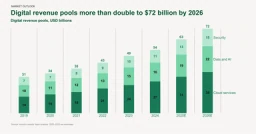
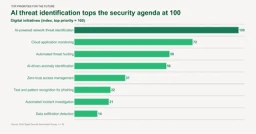
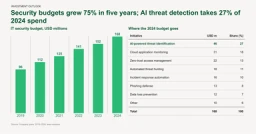
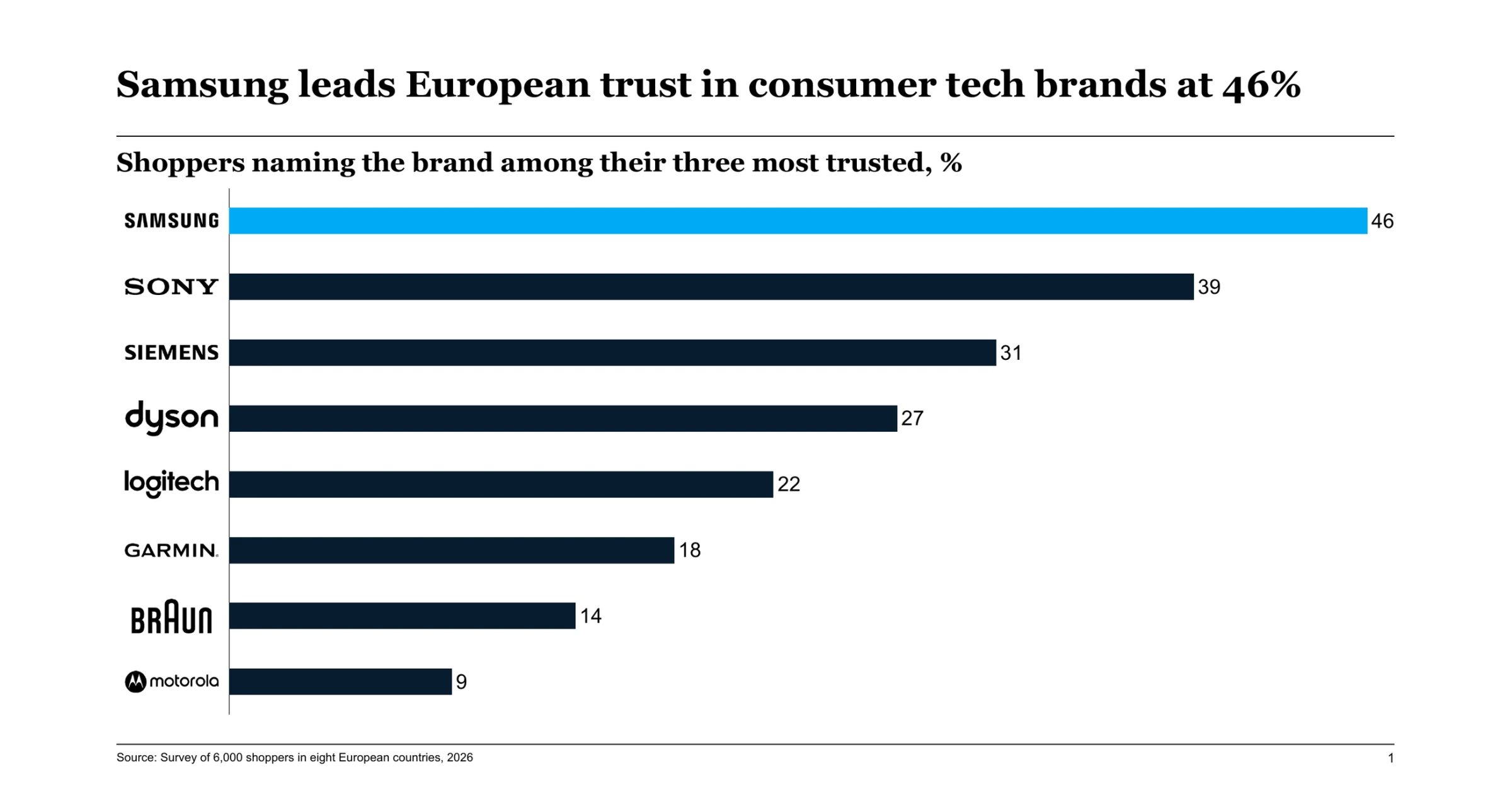
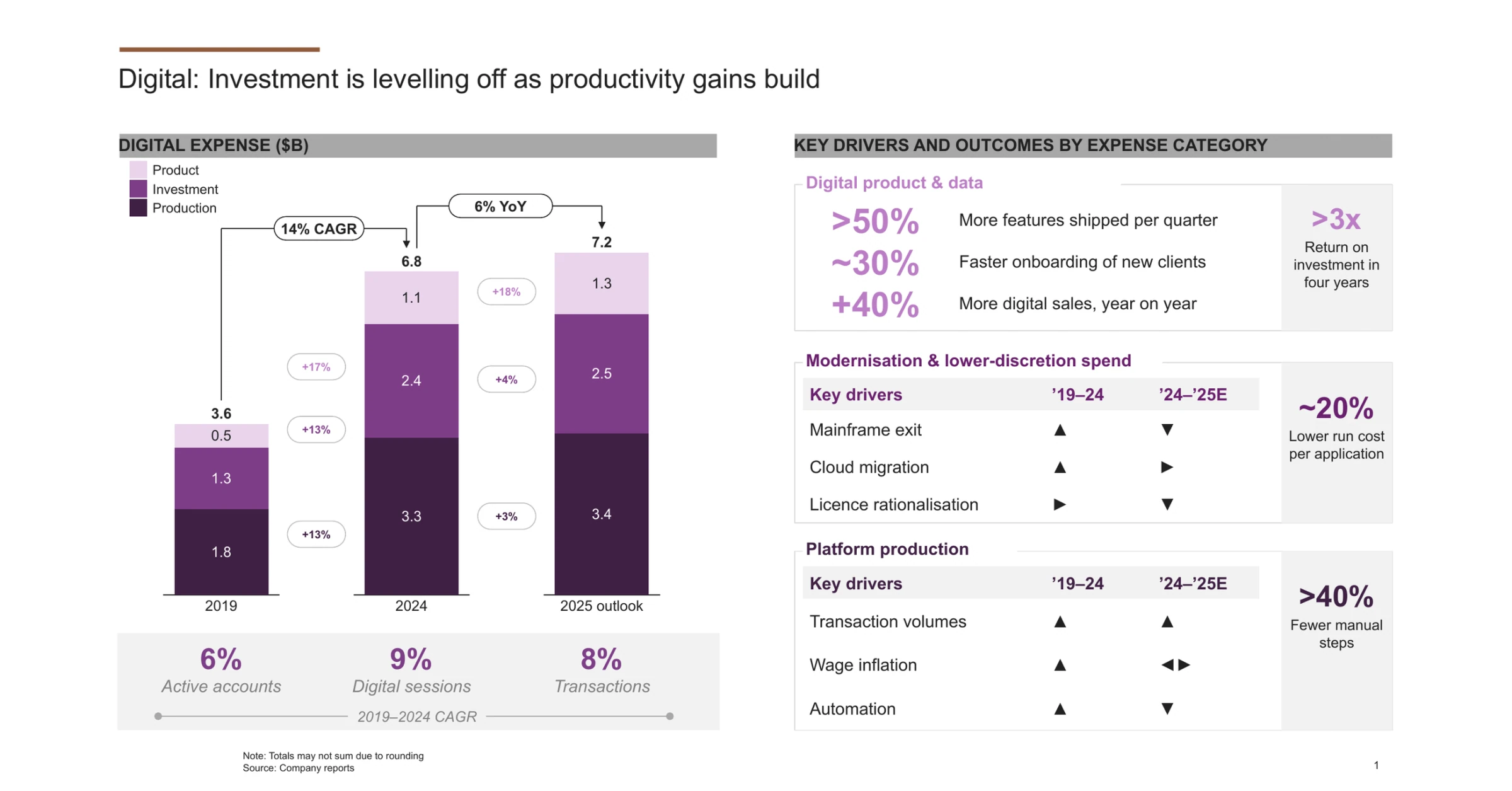
Slide 1 of 5: Strategy firm style
Two steps you do once. The third one is just making slides.
1
Teach it your style
Upload three of your best decks. TITIVA measures the rules inside them — margins, grid, fonts, colours, tables and charts.

2
Save the layouts that work
Pick your best slides. Each one becomes a reusable layout in your style, with clear places for text, numbers and charts.
3
Build inside Claude
Ask for the slide you need. Claude writes the content, TITIVA places every element by your rules, and you get an editable .pptx.

Slide Library for every professional
Ready-made layouts, rebuilt in your style.
Same prompt. Two results.
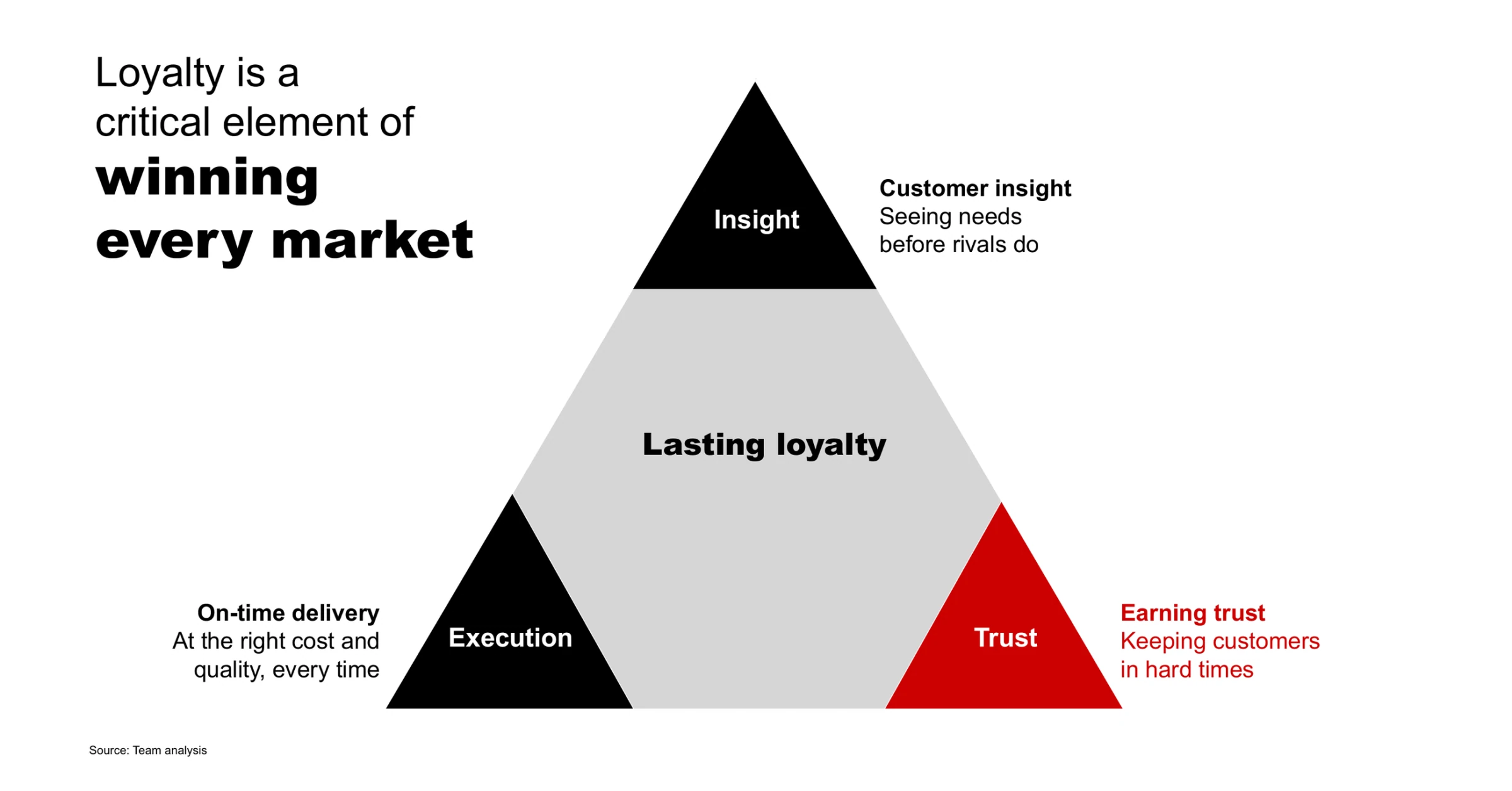
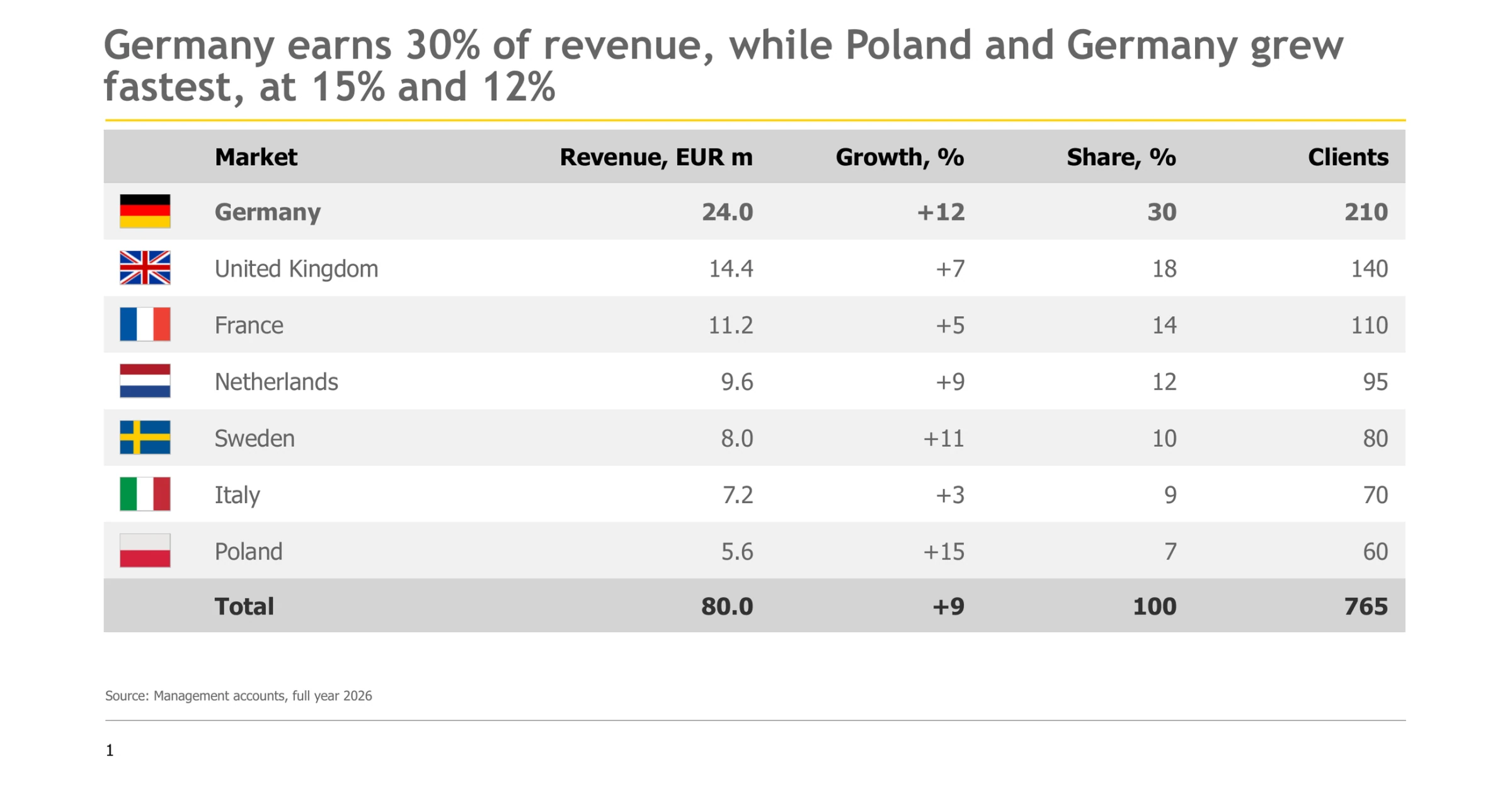
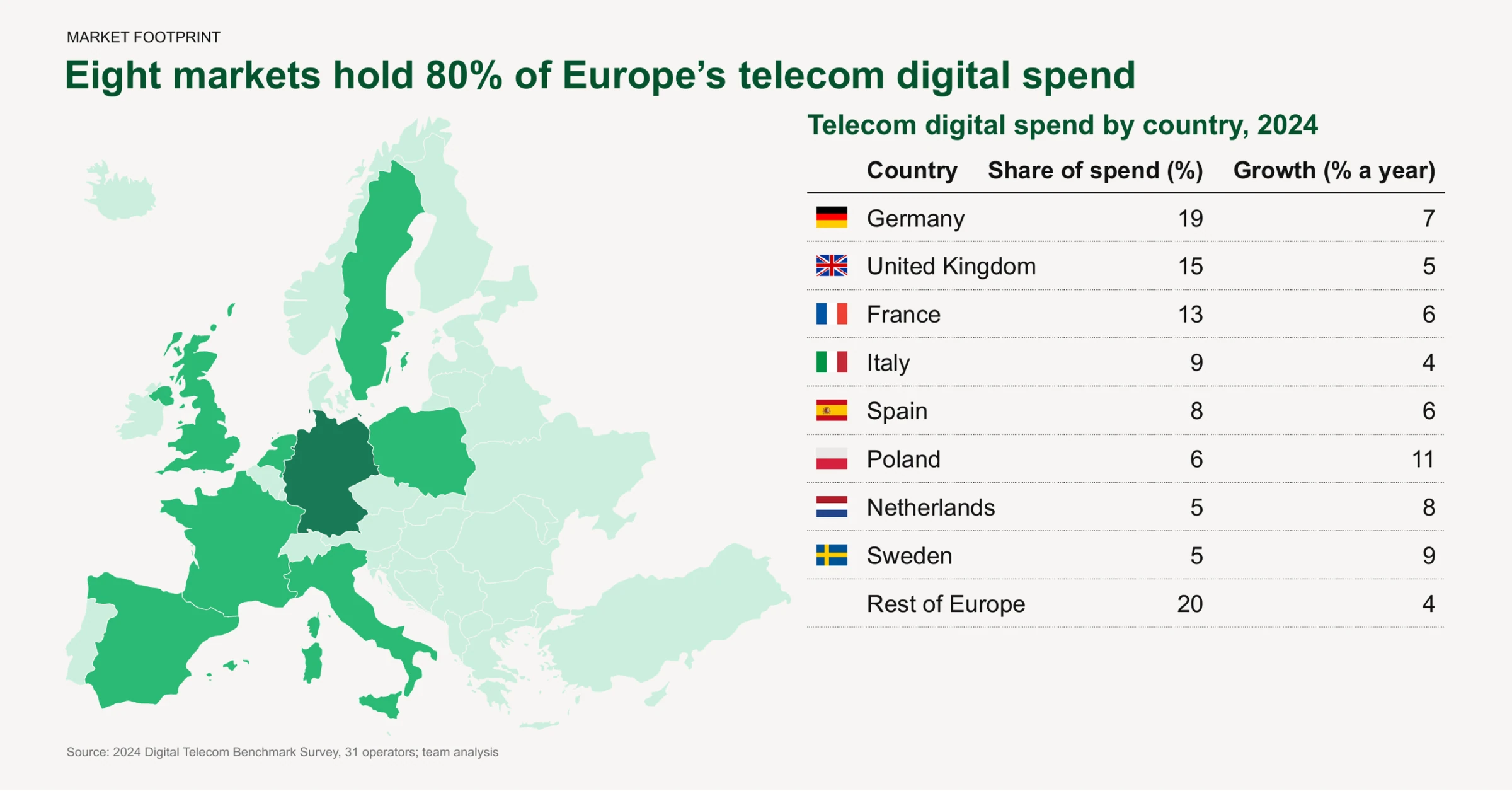
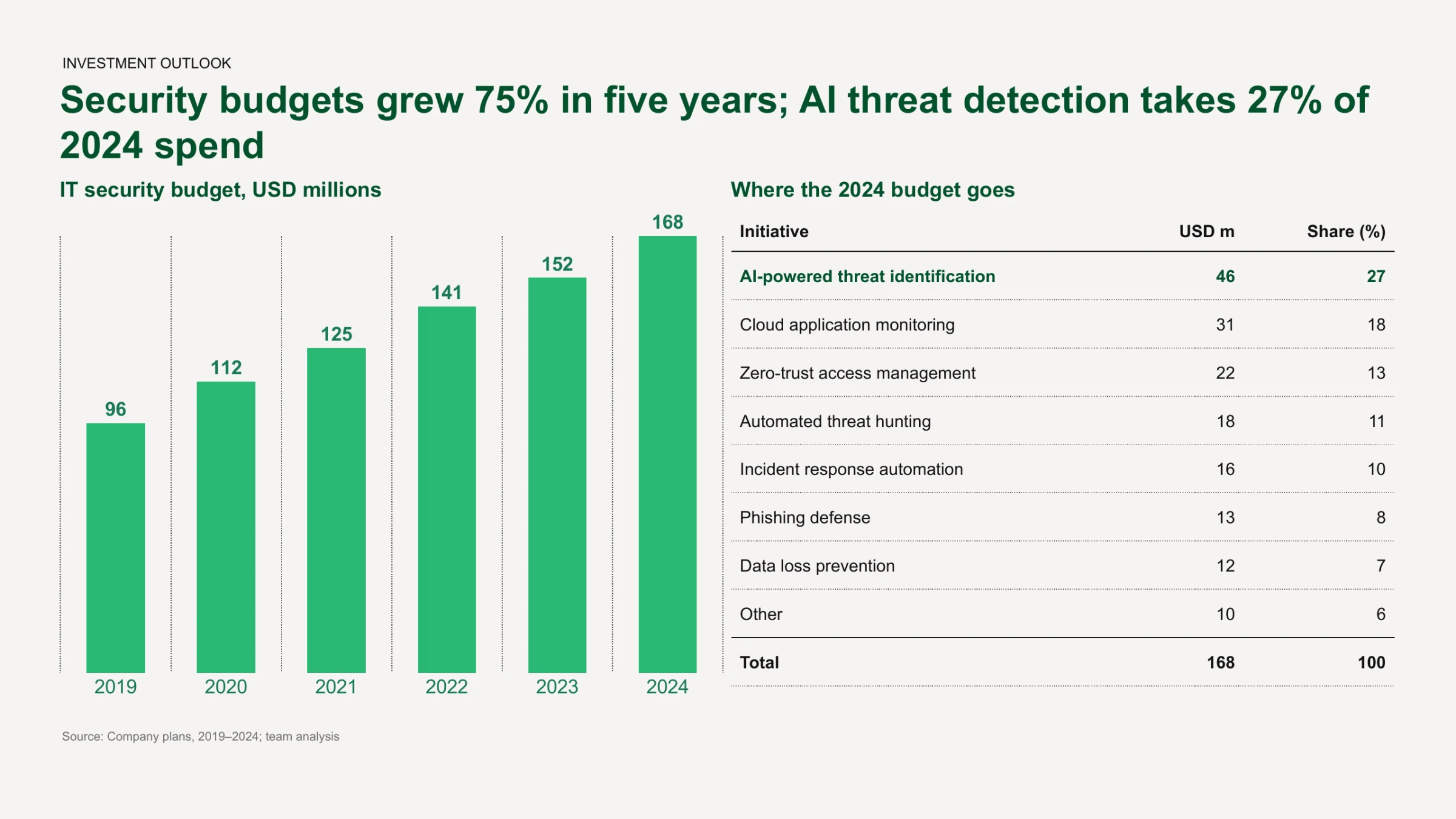
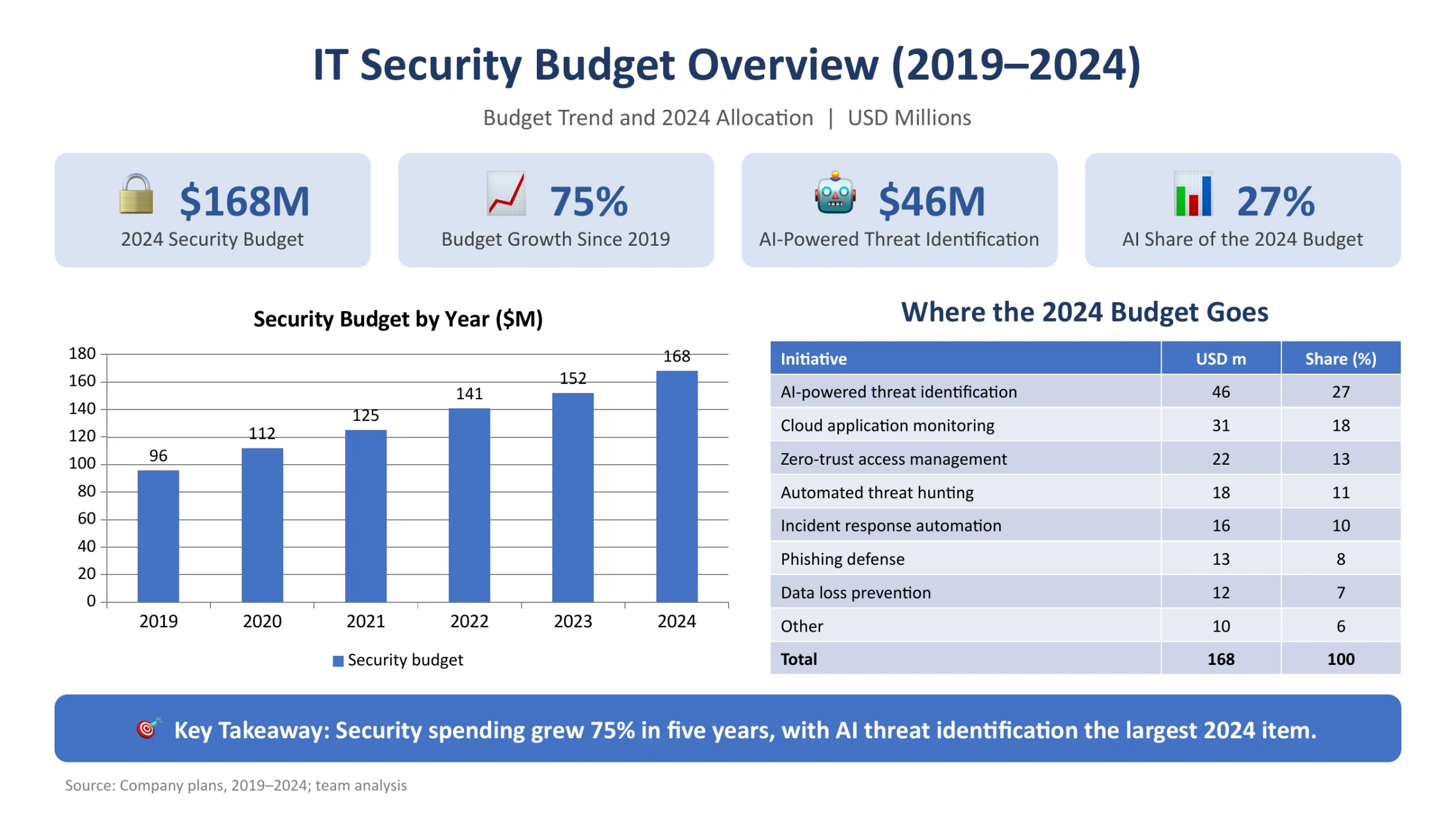
Same prompt and figures. Left, a general-purpose AI assistant in its default template; right, TITIVA with a house style learned from sample decks. Drag the line to compare.
Standard AI

‹ ›
PromptMake a slide on our IT security budget, 2019–2024, and where the 2024 budget goes.
Want this for your decks?Join the waitlist
Claude
ChatGPT
All your knowledge, all your projects, within your reach.
Claude already knows your projects and files through Projects and connectors. TITIVA is being built to make the result look like your company’s work.
Coming soon as a connector
Project · Atlas acquisition
Build the board update from the Atlas deal folder.
Done. 8 slides built from the data room files, in your house style.

Atlas board update.pptx
8 slides · made with TITIVA
Questions before you join
What is TITIVA?
TITIVA is an AI slide builder for consultants, M&A advisers and investment teams, now in development. It will learn your house style from your best decks and build new slides to those rules, as native, editable PowerPoint, inside Claude and ChatGPT.
Does it work with our template?
That is what it is built for. TITIVA will learn the layout rules from your existing decks and template, then build new slides to them.
Can I edit the result in PowerPoint?
Yes. You will get a standard .pptx file with editable elements.
Which Claude and ChatGPT plans do I need?
You will need a Claude or ChatGPT plan that lets you add connectors. Anthropic and OpenAI decide which plans those are; we will list them before early access opens.
How much will TITIVA cost?
Pricing is not set yet. We will publish it before early access opens, and the waitlist will hear first.
Answered by an AI model (Claude, by Anthropic) from the facts on this page. It can be wrong. Please don’t type personal details. Privacy policy